In the vast digital expanse of YouTube, where every click, search, adn watch leaves a trail, our browsing history becomes an unspoken biography of our interests, curiosities, and occasional rabbit holes. It’s a mosaic of moments—some intentional, others serendipitous—that shape the platform’s recommendations and, in turn, our viewing experience. But what happens when that history no longer serves us? When the clutter of past searches feels more like a backlog than a reflection of who we are now? Clearing your YouTube search history isn’t just about tidying up; it’s about reclaiming control, starting fresh, and curating a digital space that aligns with your present self. Whether you’re looking to reset your recommendations, protect your privacy, or simply wipe the slate clean, this guide will walk you through the steps to clear your YouTube search history and craft a cleaner, more intentional browsing journey.
Understanding Why Clearing your YouTube Search History Matters
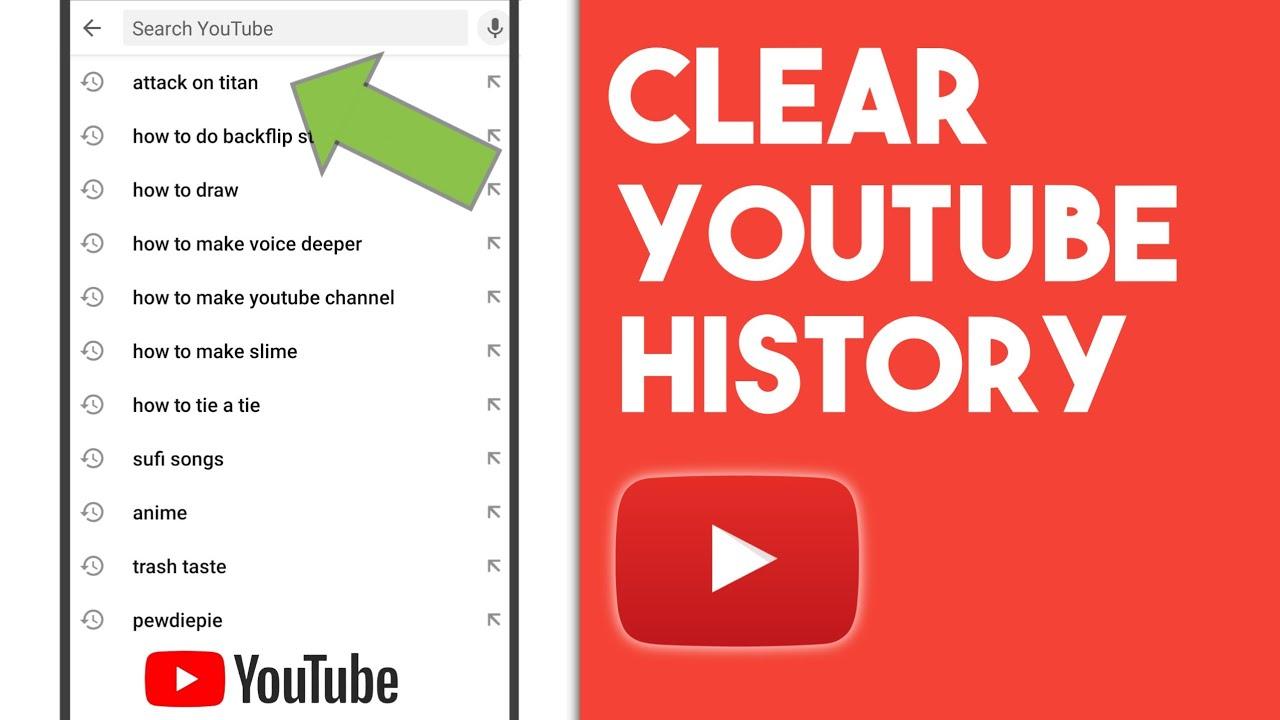
Every search you make on YouTube leaves a digital footprint—tiny breadcrumbs that shape your recommendations, ads, and even your overall browsing experience. Over time, these accumulated searches can paint an unintentional portrait of your interests, habits, or even personal curiosities. Here’s why hitting that “Clear” button matters:
- Privacy Control: Prevent others from stumbling upon your search habits if they borrow your device.
- Algorithm Reset: Break free from repetitive recommendations and discover fresh content.
- Digital Detox: A clutter-free history can make your YouTube experience feel intentional and streamlined.
Think of your search history as a crowded room—sometimes, clearing it out lets in new ideas and perspectives. Below is a rapid breakdown of how a wiped history impacts different aspects of your youtube use:
| Aspect | Before clearing | After Clearing |
|---|---|---|
| recommendations | Tailored to past searches | More diverse suggestions |
| Ad Relevance | Highly targeted | Less personalized |
| Search Efficiency | Cluttered with old queries | clean slate for new searches |
Step by Step Guide to Wiping Your YouTube Search Data
Ever felt like your youtube recommendations have gone off the rails? Maybe you searched for something once,and now your feed is flooded with irrelevant videos. Clearing your search history can reset your recommendations and give you a fresh start. Here’s how to do it:
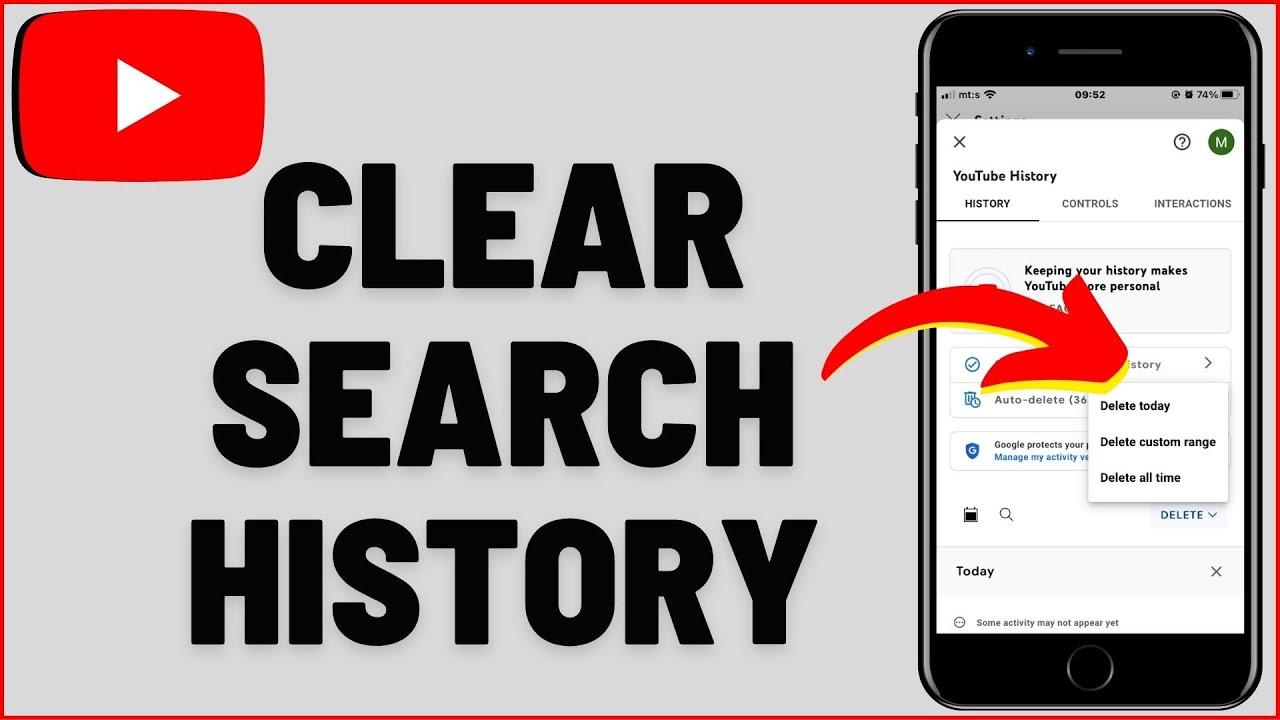
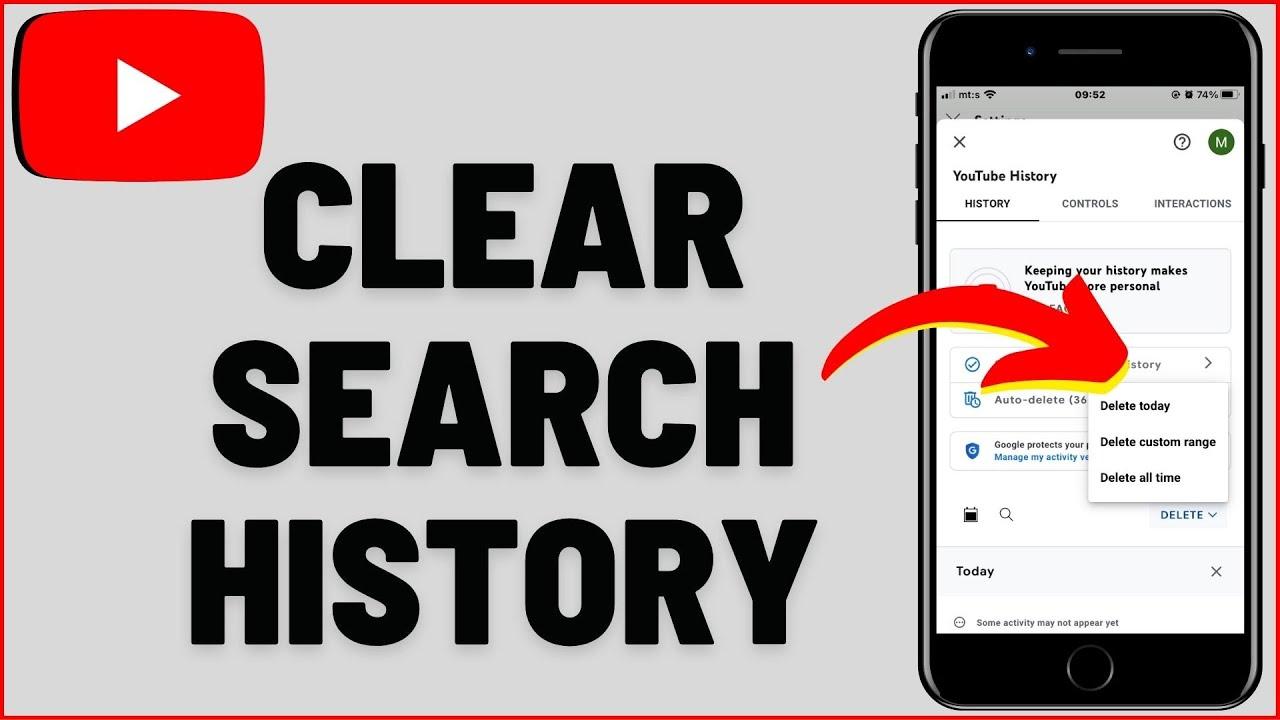
- on Desktop: Click your profile icon → History & privacy → Clear all search history.
- On Mobile: Tap your profile picture → Settings → History & privacy → Clear search history.
| Action | Effect |
|---|---|
| Clear search history | Resets recommendations |
| pause watch history | Stops influencing suggestions |
If you want to keep your searches private moving forward, consider using Incognito Mode or turning off search history tracking altogether. This ensures your future searches won’t clutter your recommendations. A clean slate means better content tailored to what you actually want to watch.
How Regular Cleanups Improve Your YouTube Experience
Ever noticed how YouTube seems to know exactly what you’re interested in—maybe a little too well? that’s because your search and watch history shape the algorithm’s recommendations. While this can be convenient, it can also trap you in a cycle of repetitive content. Clearing your YouTube search history is like hitting the reset button,giving you a fresh perspective and opening the door to new discoveries. Here’s how it improves your experience:
- Diverse Recommendations: With a clean slate, youtube broadens it’s suggestions, introducing you to genres or creators you might’ve overlooked.
- Reduced Clutter: Outdated or irrelevant searches won’t linger, making your browsing experience more tailored and efficient.
- Privacy Boost: Regularly clearing history ensures your data doesn’t accumulate, giving you more control over your digital footprint.
Think of YouTube as a library—sometimes, you need to reorganize the shelves to find something new. Regularly clearing your search history ensures you’re not stuck in a loop of similar videos. Need a practical guide? Here’s a quick breakdown:
| Action | Benefit |
|---|---|
| Clear Search History | Resets recommendations for fresh content. |
| Clear Watch History | Removes repetitive suggestions based on past views. |
| Pause History | Temporarily stops data collection for a neutral browsing session. |
Additional Tips for Managing Privacy and Recommendations on YouTube
Keeping your YouTube experience clutter-free goes beyond just clearing your search history. Here’s how to take control of your recommendations and privacy:
- Pause Watch history: Temporarily stop YouTube from tracking your activity—ideal for shared devices or when you want a fresh start.
- Remove Liked Videos: Unlike or delete saved videos to reset your algorithm-based suggestions.
- Use Incognito Mode: Browse without affecting recommendations—perfect for one-off searches.
| Action | Impact |
|---|---|
| Clear search history | Resets suggested searches |
| Disable ad personalization | Reduces targeted ads |
For long-term privacy, review third-party app permissions linked to your Google account—some may access your YouTube data. Additionally, customize your ad preferences to limit data collection. Small tweaks like these ensure your feed stays relevant without compromising your digital footprint.
Insights and Conclusions
As the digital age continues to weave itself into the fabric of our daily lives, managing our online footprints becomes more than just a habit—it’s a ritual of self-preservation. Clearing your YouTube search history isn’t just about tidying up a digital space; it’s about reclaiming a bit of control in a world that often feels overwhelming. Whether you’re starting fresh, maintaining privacy, or simply curating a cleaner experience, this small act can feel surprisingly liberating. So, go ahead—wipe the slate clean, hit reset, and let your next search be a step into uncharted territory. After all, every click is a chance to rewrite the narrative. Happy exploring! 🚀✨